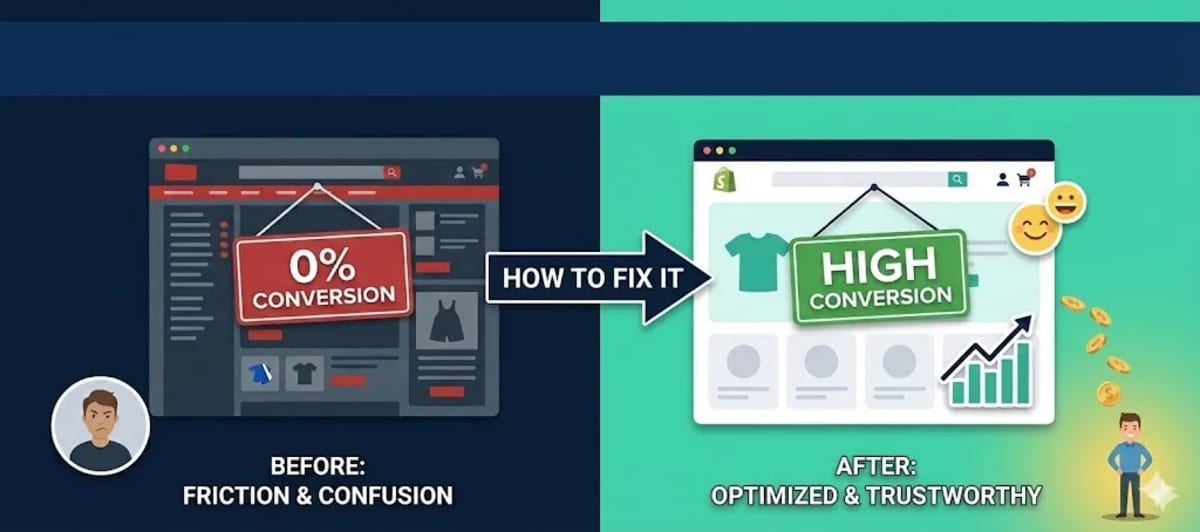
Traffic but no sales? It's a common problem. We analyze the friction points in UX, checkout, and trust that kill e-commerce conversion rates.
There is nothing more frustrating for an e-commerce business owner than seeing the analytics dashboard light up with traffic, but the sales dashboard stay at zero. You are paying for ads, people are clicking, they are visiting... and then they are leaving. This is a conversion problem.
The average e-commerce conversion rate is around 2-3%. If you are below that, something is broken in your funnel. It is rarely the product’s fault. Usually, it is "Friction"—tiny obstacles that annoy the user enough to make them abandon ship. Let's diagnose the most common killers of conversion.
1. The Need for Speed
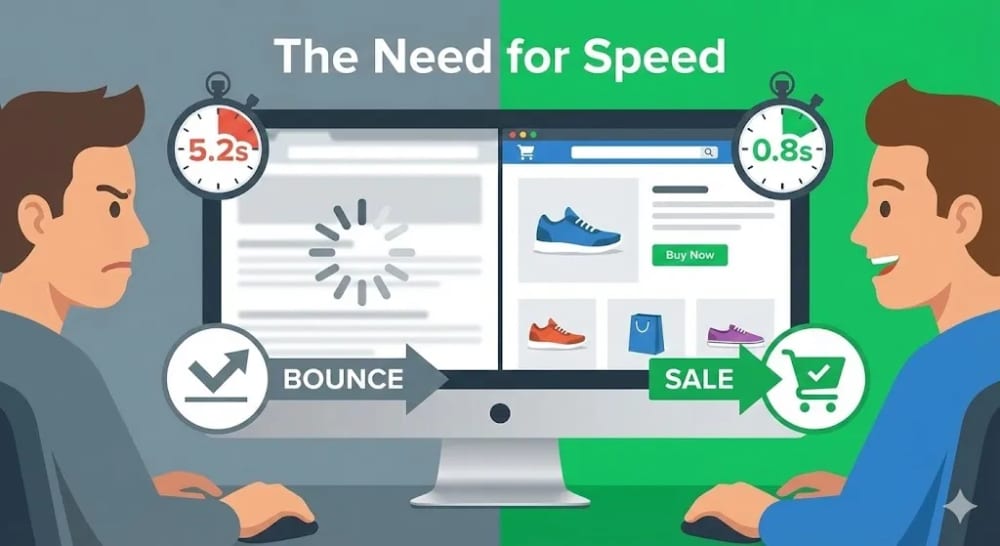
We live in an instant gratification economy. Amazon found that every 100 milliseconds of latency cost them 1% in sales. If your site takes more than 3 seconds to load, 40% of users will bounce immediately.
Heavy, unoptimized images are usually the culprit. Or too many apps and plugins running scripts in the background. You must optimize your site speed. Use WebP image formats, lazy loading, and a fast theme. A fast site feels trustworthy; a slow site feels broken and insecure.
2. The Trust Deficit
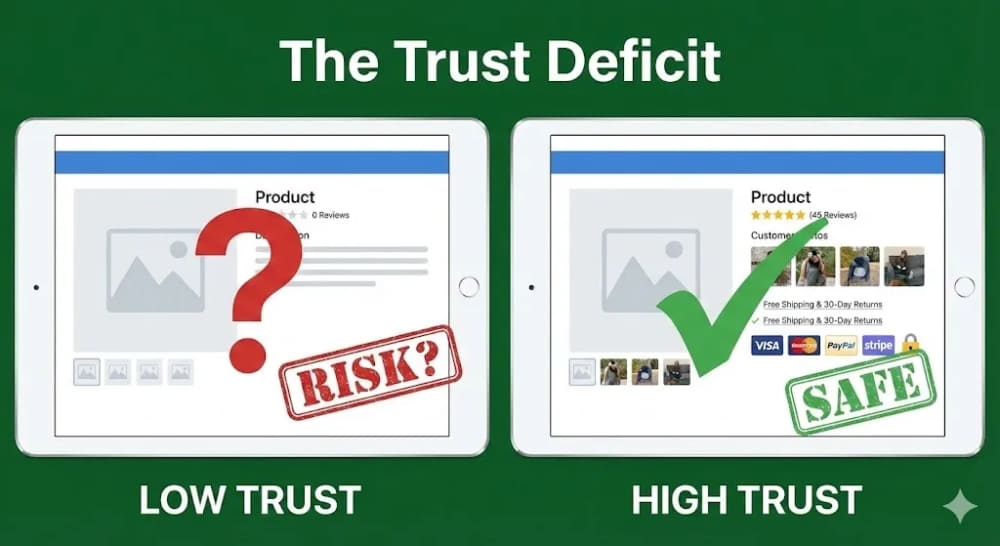
Buying from a new store is a risk. Will the product arrive? Is it quality? Will you steal my credit card info? If your site doesn't actively reassure the user, they won't buy.
- Reviews: A product with 0 reviews is scary. Import reviews or incentivize early customers to leave photos.
- Trust Badges: Display payment icons (Visa, Stripe, PayPal) in the footer and on the product page. It borrows authority from those brands.
- Contact Info: Have a visible email address and physical address. A store with no way to contact support screams "scam."
- Policies: Clear Shipping and Refund policies must be linked in the footer.
Getting these trust signals in place costs almost nothing. But the bigger win is having them baked into your store's design from day one. Our e-commerce packages include trust-optimised product pages, checkout flows, and policy pages as standard.
3. Checkout Friction
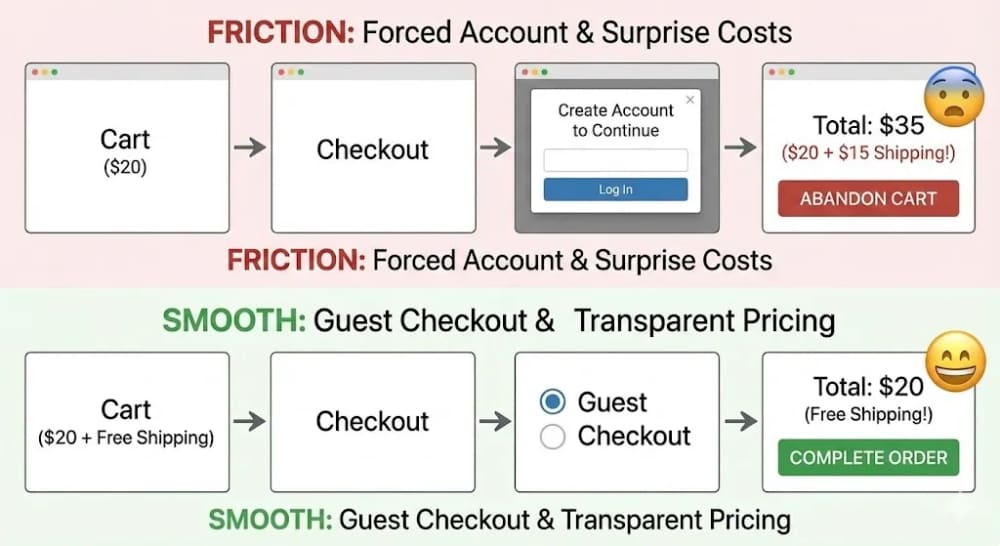
The checkout process should be a slippery slope. Once they click "Add to Cart," nothing should stop them. The biggest sin? Forced Account Creation. Do not make people register an account to buy a $20 item. Offer "Guest Checkout."
The second biggest sin? Surprise Costs. If the user sees $20 in the cart, and then at the very last step, $15 shipping is added, they feel tricked and will abandon the cart. Be transparent about shipping costs early, or better yet, build shipping into the price and offer "Free Shipping." Free shipping is the most powerful psychological trigger in e-commerce.
4. Poor Mobile Experience
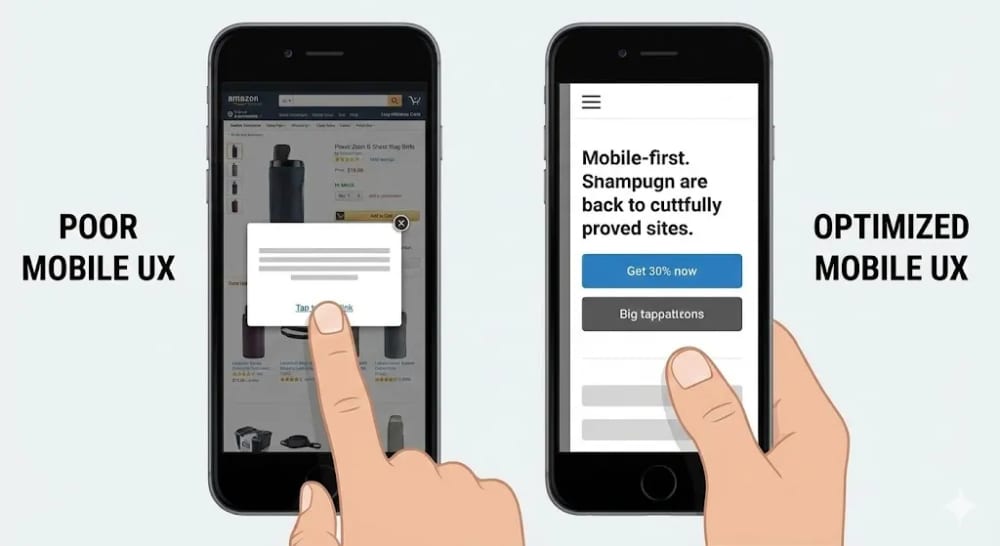
Over 70% of e-commerce traffic is mobile. Yet many store owners build their site on a desktop and never check it on a phone. Buttons that are too small, pop-ups that cover the whole screen and can't be closed, text that is too small—these mobile UI failures kill conversions. Design for mobile first. (We specialize in mobile-first e-commerce development).
Fixing these friction points is about empathy. Walk through your own store as a stranger and notice where you hesitate, where you get annoyed, and where you almost leave. Then fix those things. At Designing Dose, we build e-commerce stores that have all of this handled before launch. Our e-commerce packages start from €349 and cover speed, trust signals, mobile UX, and checkout flow as standard. Book a free audit and we will tell you exactly what is costing you conversions right now.